
Product case study
Omrylo Layout
A family of focused browser tools for turning photos and text into polished, exportable images—without requiring a general-purpose design workflow.
- Type
- Web product
- Status
- Available now
- Founder role
- Product direction, design, and development
- Processing
- Browser-local by default
Context
A large design application can solve almost any visual problem, but that flexibility also creates setup work. A person who only wants to pair a photograph with a journal entry, add a precise border, or turn a short passage into a publishable image still has to choose a canvas, arrange layers, align elements, and understand export settings.
Layout began from a narrower question: what if each recurring publishing task opened with the important decisions already framed? The product is intended for writers, creators, and small teams who need a clear result without first learning a general design system.
The goal was not to replace full design software. It was to remove the parts of that workflow that do not help with a specific, repeatable outcome.
Goal
Each tool needed to make its purpose understandable before the editor opened, expose only the controls that materially changed the result, and produce a file ready for common online placements. Square, portrait, and vertical formats had to feel like part of the same workflow rather than separate templates to rebuild.
Privacy was also a product requirement. Photos, logos, names, quotations, and editor text are processed in the browser and are not uploaded to Layout servers. Exports are generated on the visitor’s device, and the product does not add a watermark.
A successful version therefore had to combine a small interaction surface, useful defaults, local processing, and enough explanation for someone to decide whether the tool matched the task before investing time in it.
Founder role
Ming is responsible for the product direction, information architecture, interaction design, full-stack implementation, content structure, and ongoing iteration. Keeping those responsibilities close made it possible to treat wording, tool boundaries, privacy behavior, and engineering choices as parts of one product decision.
The work also includes deciding what not to build. Layout deliberately avoids accounts, a general canvas, a marketplace of templates, and controls that do not support the current publishing tasks.
Key decisions
The central design choice was to organize the product around outcomes rather than a single universal editor. Shared capabilities remain consistent, while each entry point can explain one job and present a smaller set of meaningful choices.
Decisions
- Split the product into Photo Journal, Photo Border, Text to Image, and Testimonial & Quote tools, each with its own task-focused entry point.
- Keep media and text processing in the browser by default so private source material does not need to become a server upload.
- Separate explanatory pages from editors. Indexable product pages provide context and examples; editor routes stay focused on interaction and are marked noindex.
- Use constrained formats and defaults to shorten the path to export instead of exposing every possible design option.
- Export standard PNG files without a watermark so the result can move directly into an existing publishing workflow.
Current result
Layout currently provides four live tools covering photo journals, photo borders, text-led images, and testimonial or quotation cards. Each tool supports common square, portrait, and vertical outputs and provides real examples before the editor is opened.
Three guides explain how to build a photo journal image, choose a social-image size, and turn text into a social image. These pages are part of the product rather than an SEO layer added afterward: they help visitors understand the task, make a choice, and use the editor with fewer unexplained decisions.
The result is deliberately measured through verifiable product behavior rather than invented adoption numbers. The tools are live, the examples can be inspected, and exported files can be evaluated directly.
What this work clarified
A focused tool is not simply a smaller version of a large application. It needs a stronger opinion about the user’s goal, the decisions worth keeping, and the complexity that should disappear.
The separation between content and interaction also matters. A useful product page gives someone enough context to choose a tool; a useful editor protects attention once that choice has been made. Treating both surfaces as one experience made the product clearer than asking the editor alone to explain itself.
Layout will continue to evolve through concrete publishing tasks. New capability should earn its place by improving an existing outcome or making a new task meaningfully easier—not by making the editor look more complete.
Working evidence
Outputs, not mockups.
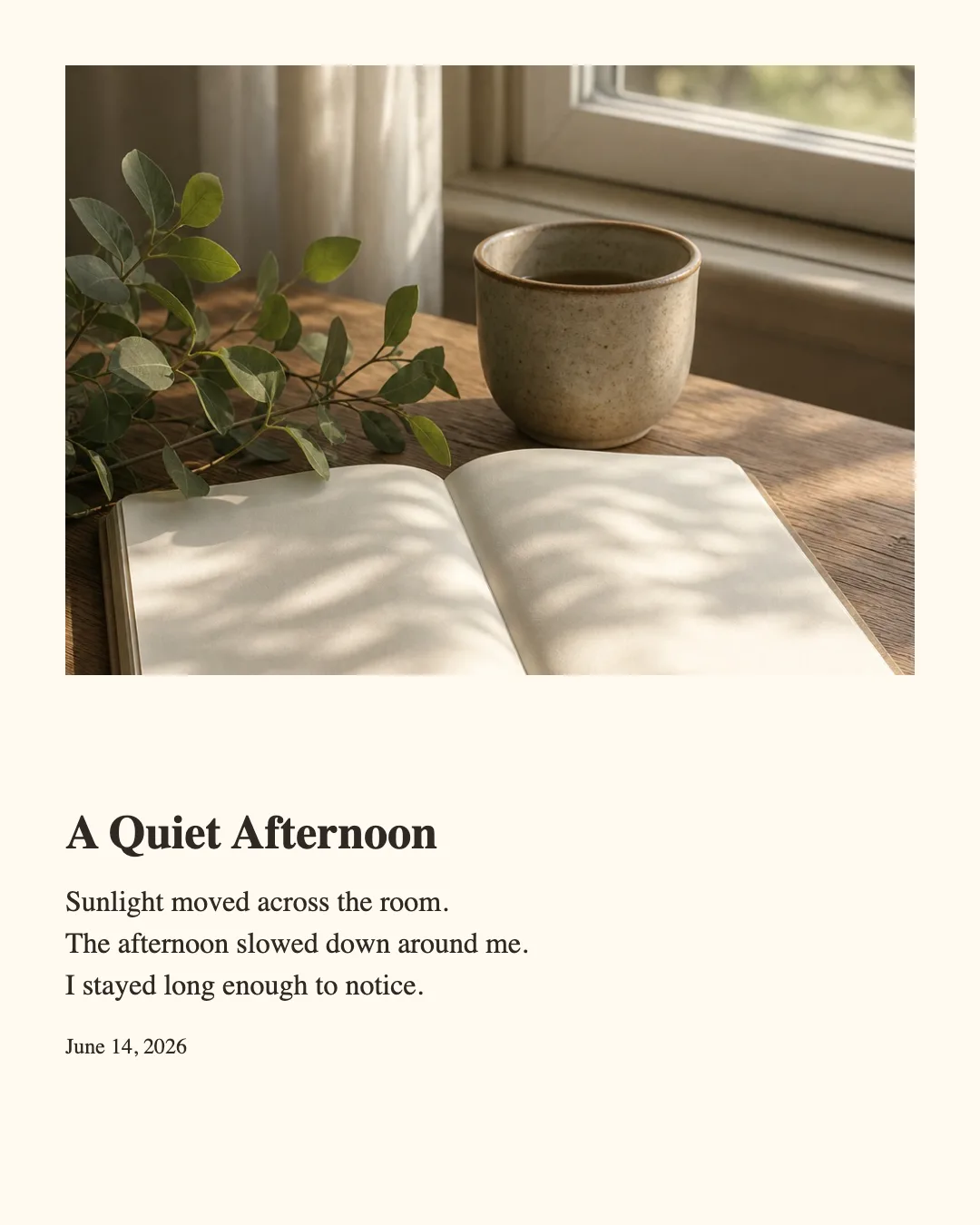
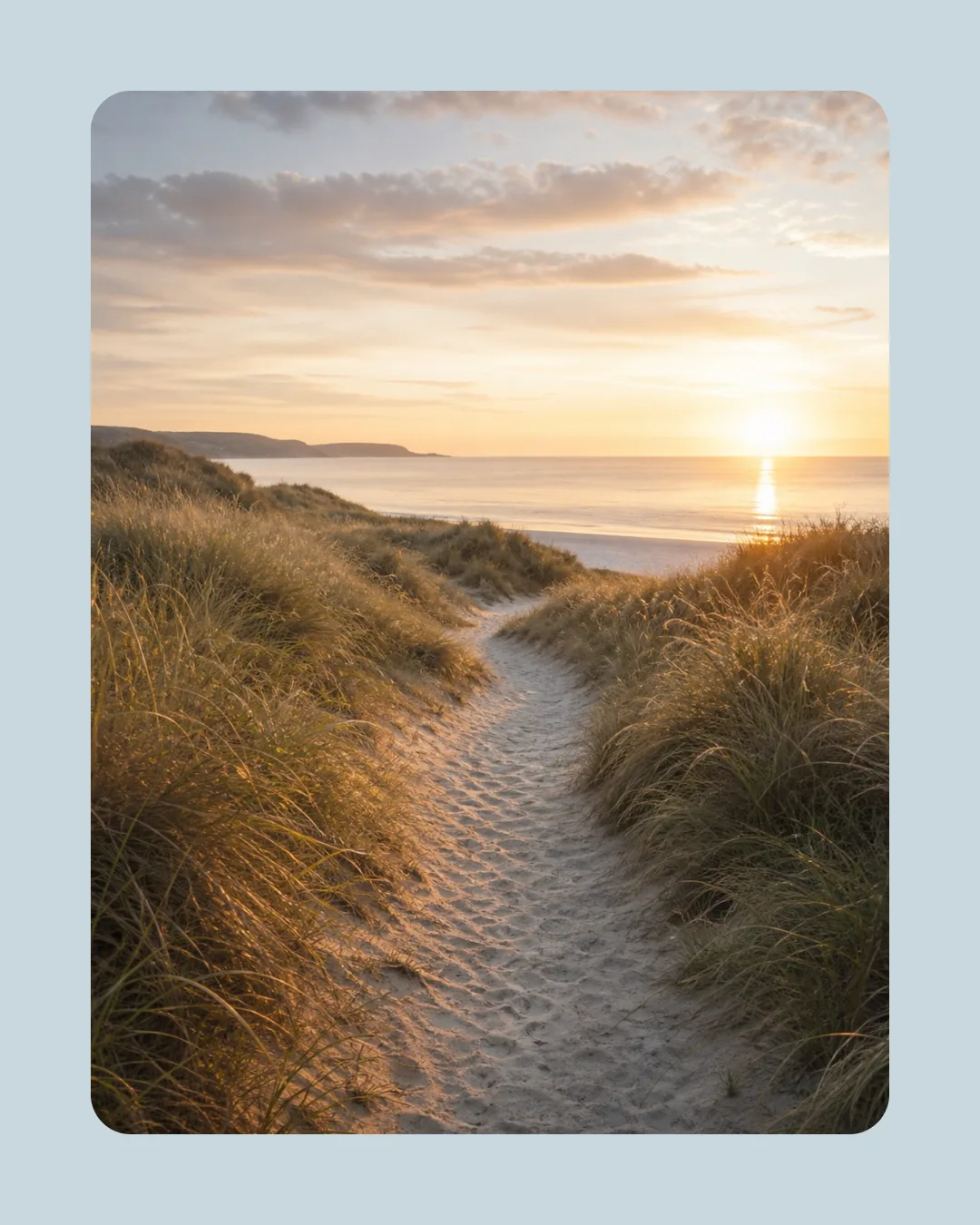
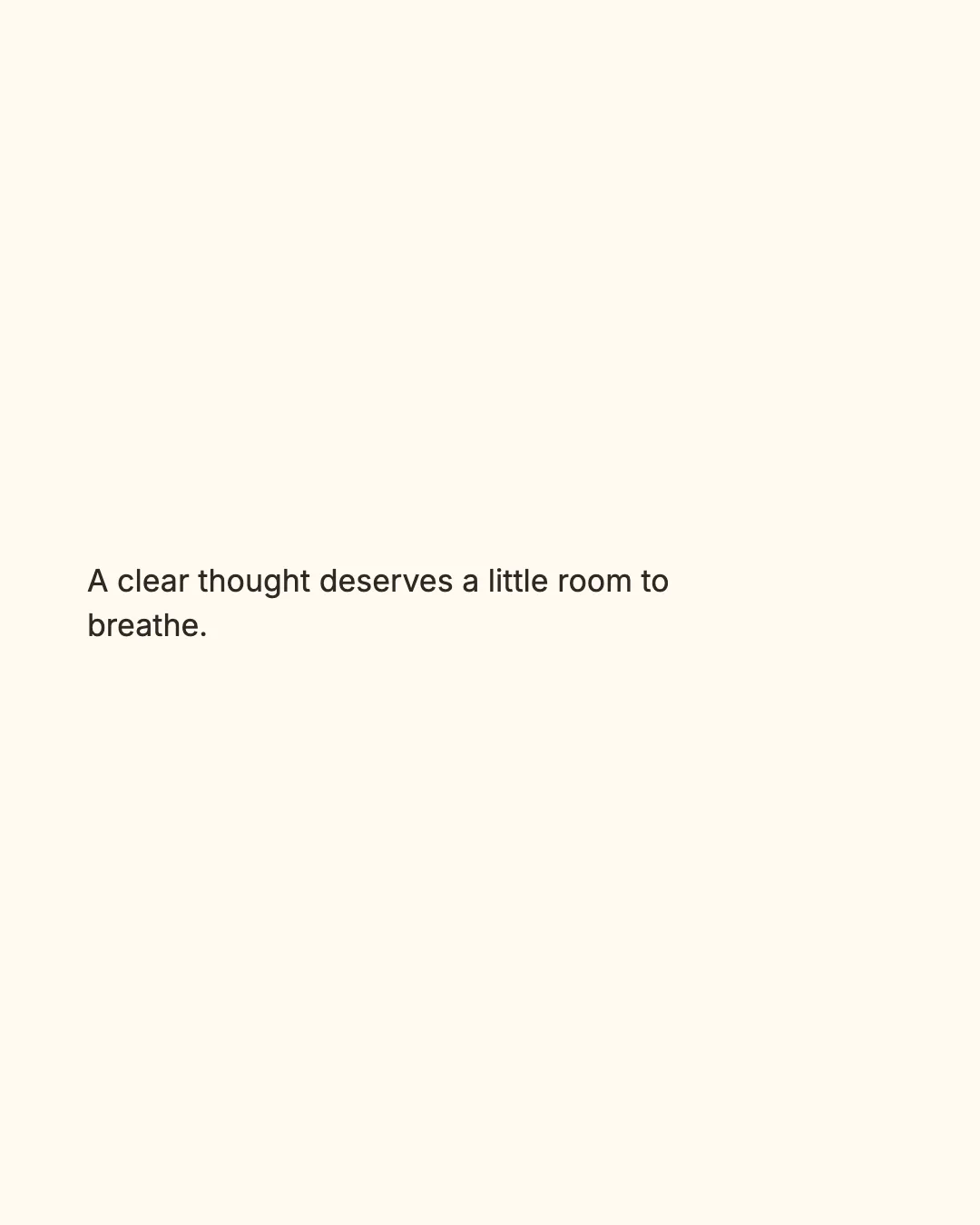
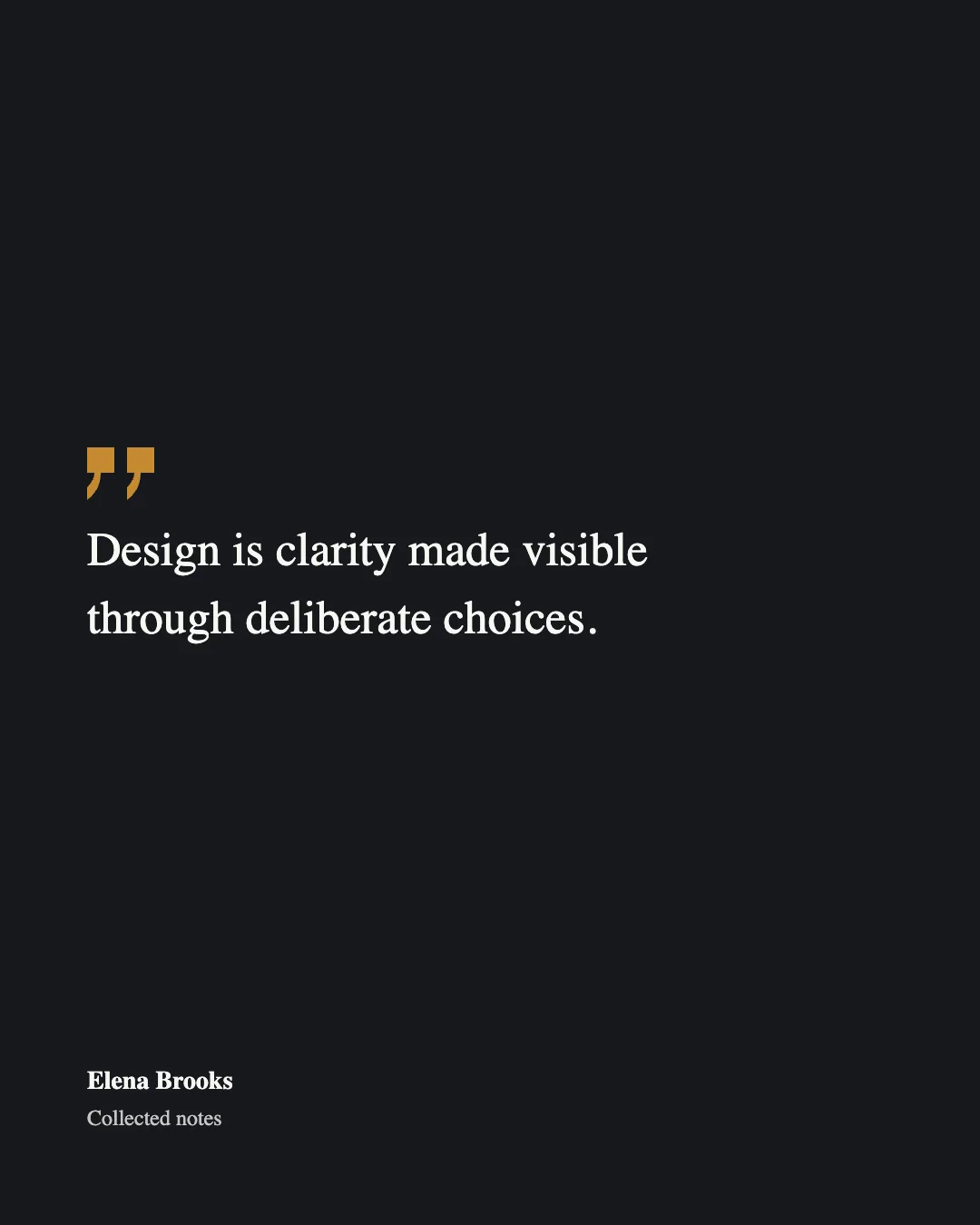
Real 4:5 examples exported by the four current tools. Each demonstrates a different publishing task while keeping the result ready to use.
Visit the live product
Start with one publishing task.
Choose a focused tool, work locally in the browser, and export a finished image without a watermark.
Open Layout